Overview
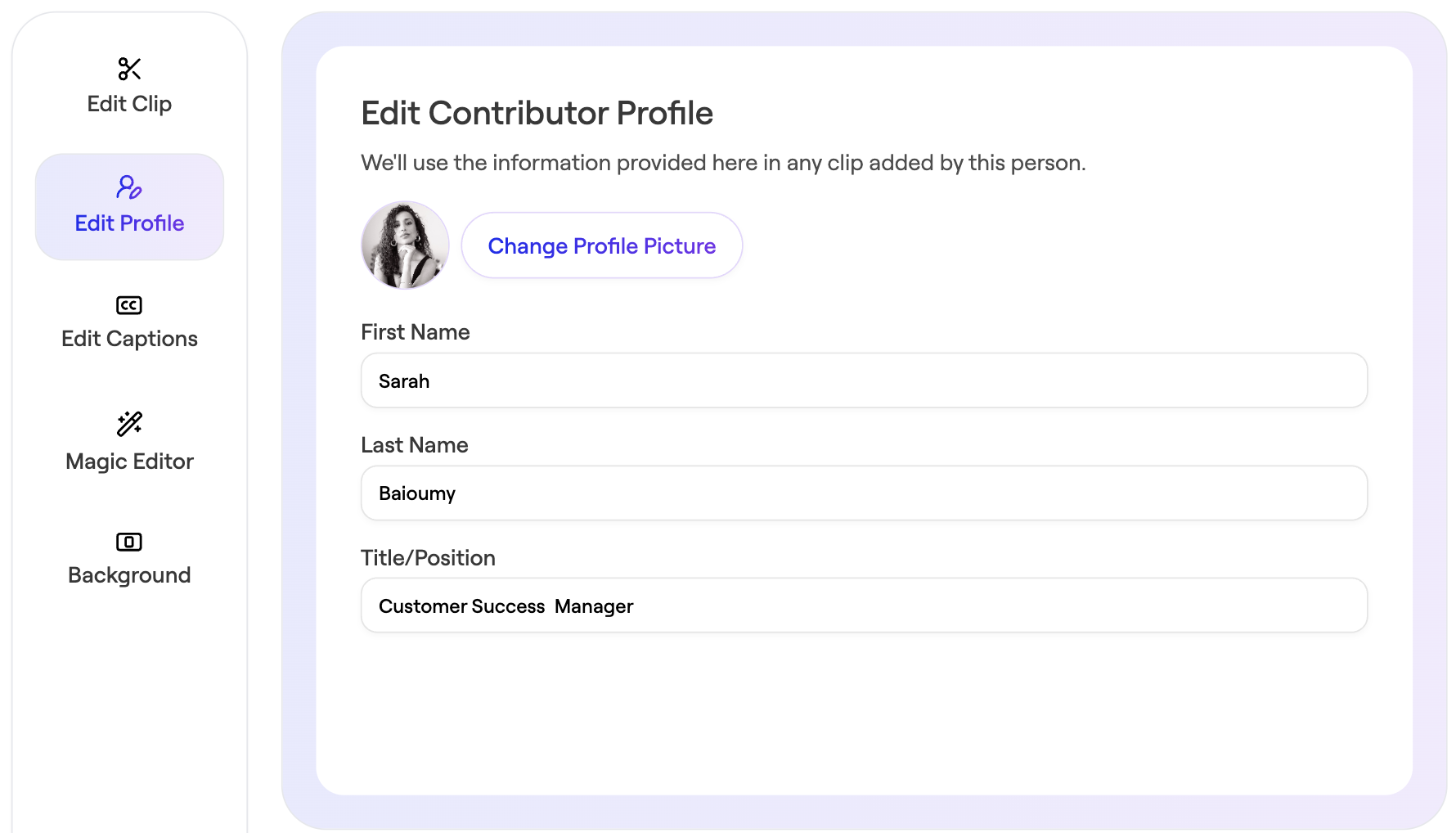
You can edit the profile information (name, title, picture) associated with each contributor in your video story. This is especially useful for cleaning up typos that contributors make when submitting clips, or for standardizing how job titles are written.
Edit Name or Title
- Open your story.
- Click the Edit Clip icon next to the clip whose contributor information you want to modify.
Navigate to Edit Profile
- Update - Profile Picture - Name - Title/Position
- Save Change