Overview
Once clips are submitted, you can refine your story by trimming footage, splitting clips, and adjusting the order.
Trim a Clip
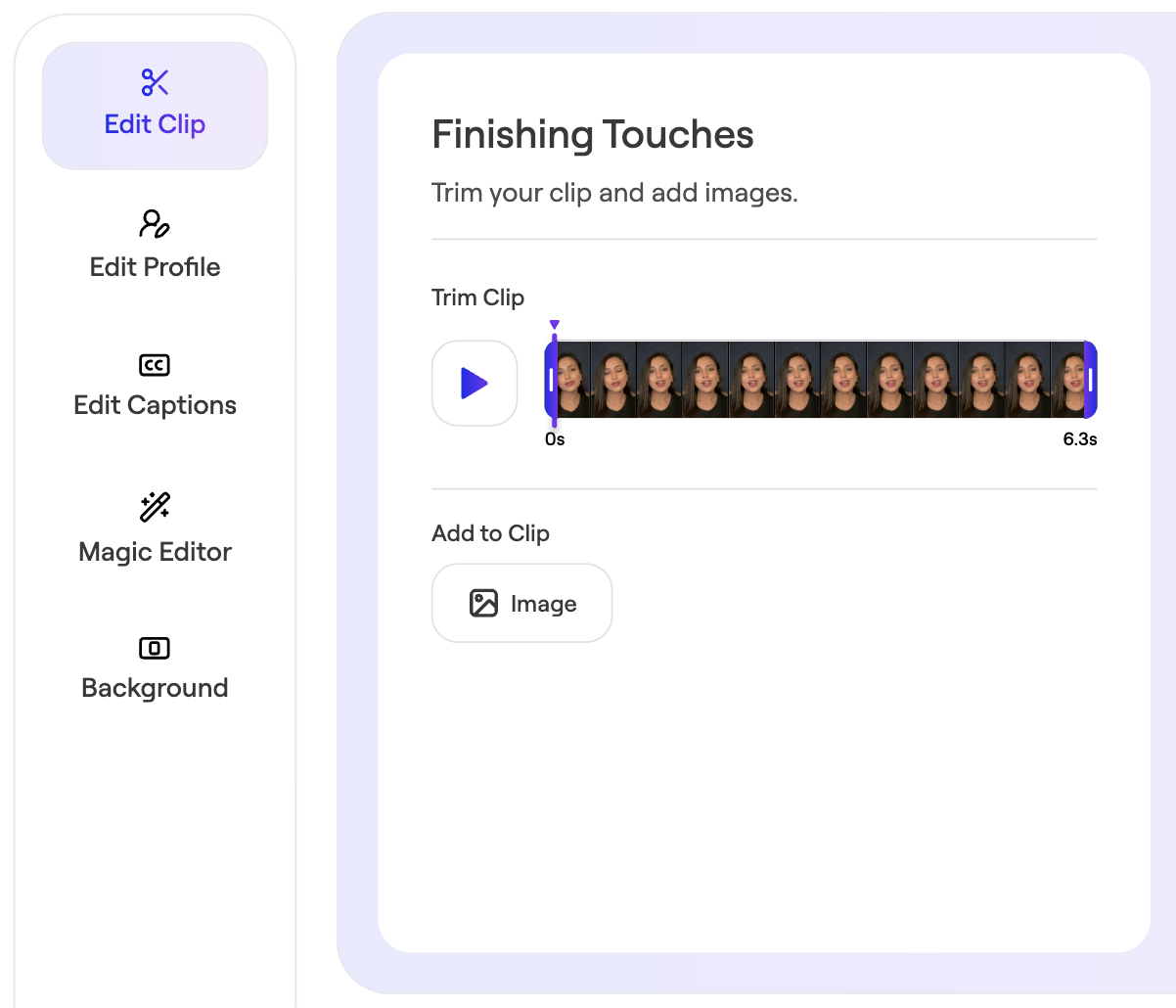
Use trimming to remove extra footage at the beginning or end of the clip. To remove content from the middle of the clip, use the Magic Editor.
- Open your story.
- Click the Edit Clip icon next to the clip you want to edit.
 Navigate to Edit Clip
- Drag the trim handles to adjust the start or end.
- Save changes.