Overview
You can upload video footage recorded outside of Spokn, then apply all of Spokn's editing, captioning, translation and branding features. Spokn accepts .mp4 and other standard video formats.
Use this for:
- Event footage
- Pre-recorded executive messages
- B-roll
⚠️ Important: If you are uploading a clip on behalf of someone else and want that clip associated with their name, title and picture, not yours, follow the steps for 'Upload a Clip for Someone Else'.
Upload a Clip Under Your Profile
- Open your Story.
- Select Add Clip.
- Select Upload from Your Computer.
Select My Clip
Upload your clip
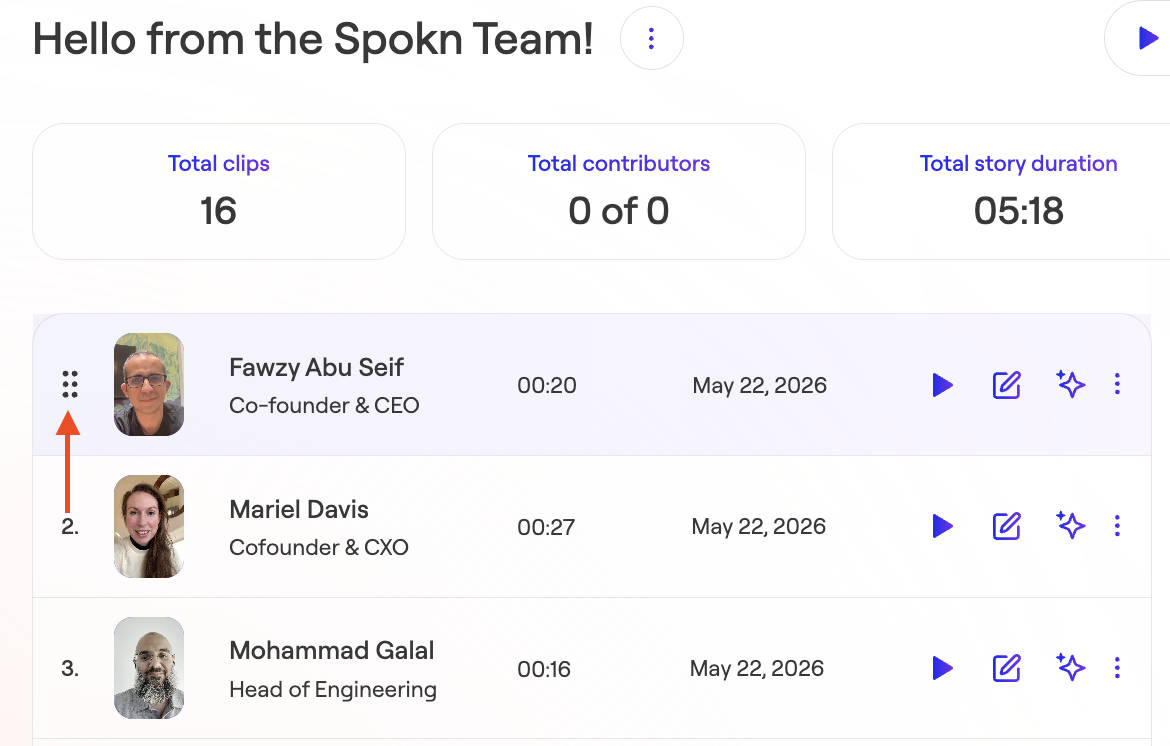
- Reorder your clips if necessary